Codehooks Studio
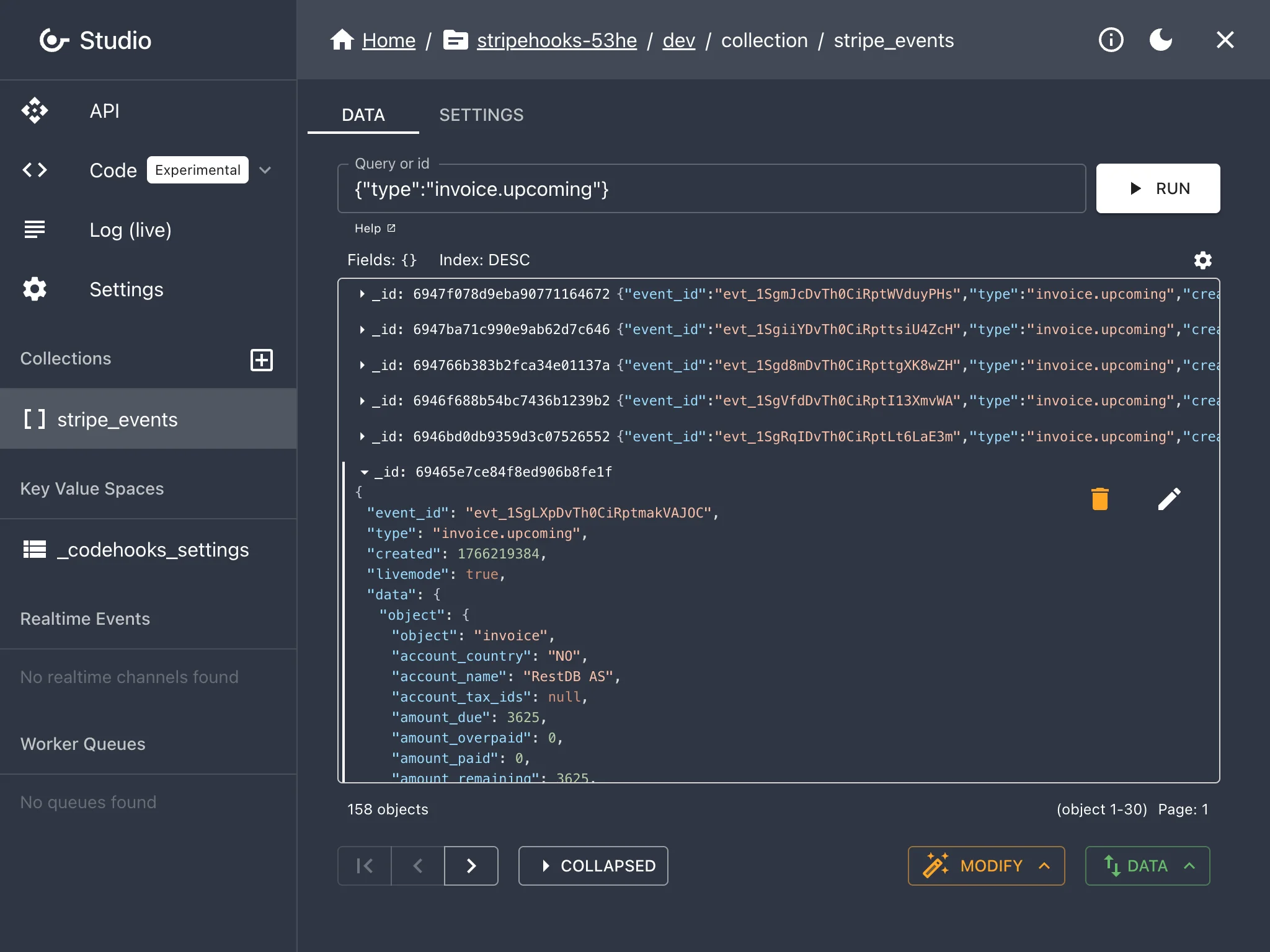
The Codehooks Studio is a browser-based dashboard for managing your backend. While the CLI is the fastest way to develop and deploy, the Studio gives you a visual interface for everything else — inspecting data, viewing logs, managing settings, and more.
What you can do
- Query & manage data — Browse collections, run MongoDB-like queries, edit documents, import/export data
- Edit & deploy code — Built-in code editor with syntax highlighting and one-click deploy
- View API routes — See all deployed endpoints with auto-generated cURL, JavaScript, and Python examples
- Stream live logs — Watch API and function logs in real time for debugging
- Manage settings — Configure API tokens, environment variables, JWKS authentication, and custom domains
- Manage your project — Add spaces (environments), invite developers, and view billing
Getting started
- Sign up at account.codehooks.io
- Create a project — or use
coho createfrom the CLI - Open the Studio from your project dashboard
The Studio and CLI work together. Deploy from the terminal, manage from the browser.